
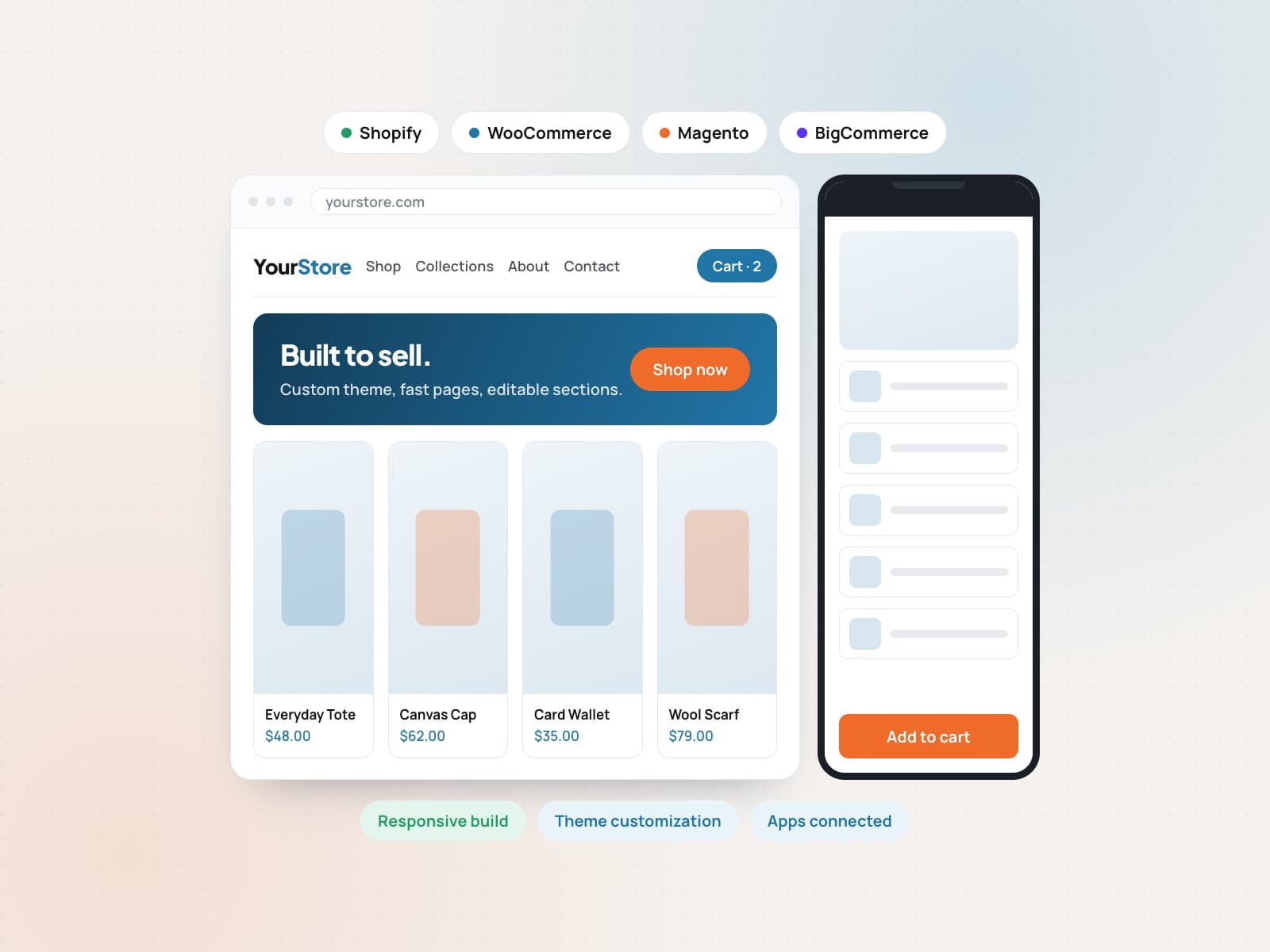
Web development and customizationA store built to sell, on the platform you already use.

Store builds, theme customization, app integrations, migrations, speed work and ongoing maintenance on Shopify, WordPress and WooCommerce, Magento, BigCommerce and Wix.

  • Shopify, WordPress, Magento and BigCommerce
  • Theme customization and custom features
  • Migrations, speed work and ongoing care
  • 5.0 client rating
  • 1,000+ clients
  • 24/7 support
Ecommerce store layout being built across desktop and mobile with platform panels for Shopify, WordPress and Magento
Store buildsIncluded
CustomizationIncluded
Clients served
1,000+
Orders processed a year
4M+
Brands managed
120+
People on the team
100+
Support coverage
24/7

Is this right for you?

A great fit if this sounds familiar.

Store builds and customization on Shopify, WordPress, Magento and BigCommerce, shaped around how you actually sell.

Sounds like us, let's talk
  • 01

    A new store needs building properly rather than stretched out of a template.

  • 02

    A theme almost fits, but the product page, checkout or filters need real changes.

  • 03

    A store is slow, dated, or breaks on mobile and is losing sales because of it.

  • 04

    A catalogue needs moving between platforms without losing products, orders or SEO.

Platforms & tools we work with

  • Shopify
  • Lighthouse
  • Google
  • GitHub
  • Figma
  • Google Analytics
  • Google Sheets
  • Cloudflare
  • Gmail
  • WhatsApp
01

Store builds

A complete storefront on the platform that suits your catalogue.

01

Shopify store development

Full Shopify and Shopify Plus builds: theme setup, collections, product templates, navigation, checkout settings, and the sections your team can edit without a developer.

  • Theme setup
  • Product templates
  • Editable sections
Works with
  • Shopify
02

WordPress and WooCommerce

WordPress sites and WooCommerce stores built on a clean theme, with the pages, blog, product types and plugins chosen so the site stays maintainable.

  • WooCommerce setup
  • Editable pages
  • Plugin choices
Works with
  • Lighthouse
  • Google
03

Magento, BigCommerce and Wix

Magento (Adobe Commerce), BigCommerce, Wix and Squarespace builds and changes, for catalogues that already live on one of these platforms and need real development work.

  • Magento work
  • BigCommerce
  • Wix and Squarespace
Works with
  • GitHub
02

Customization

Make the store do what your business actually needs.

04

Theme customization

Change layout, typography, colour, spacing and components so the store matches your brand instead of looking like the demo everyone else bought.

  • Brand styling
  • Custom sections
  • Responsive fixes
Works with
  • Figma
  • Shopify
05

Product page and checkout work

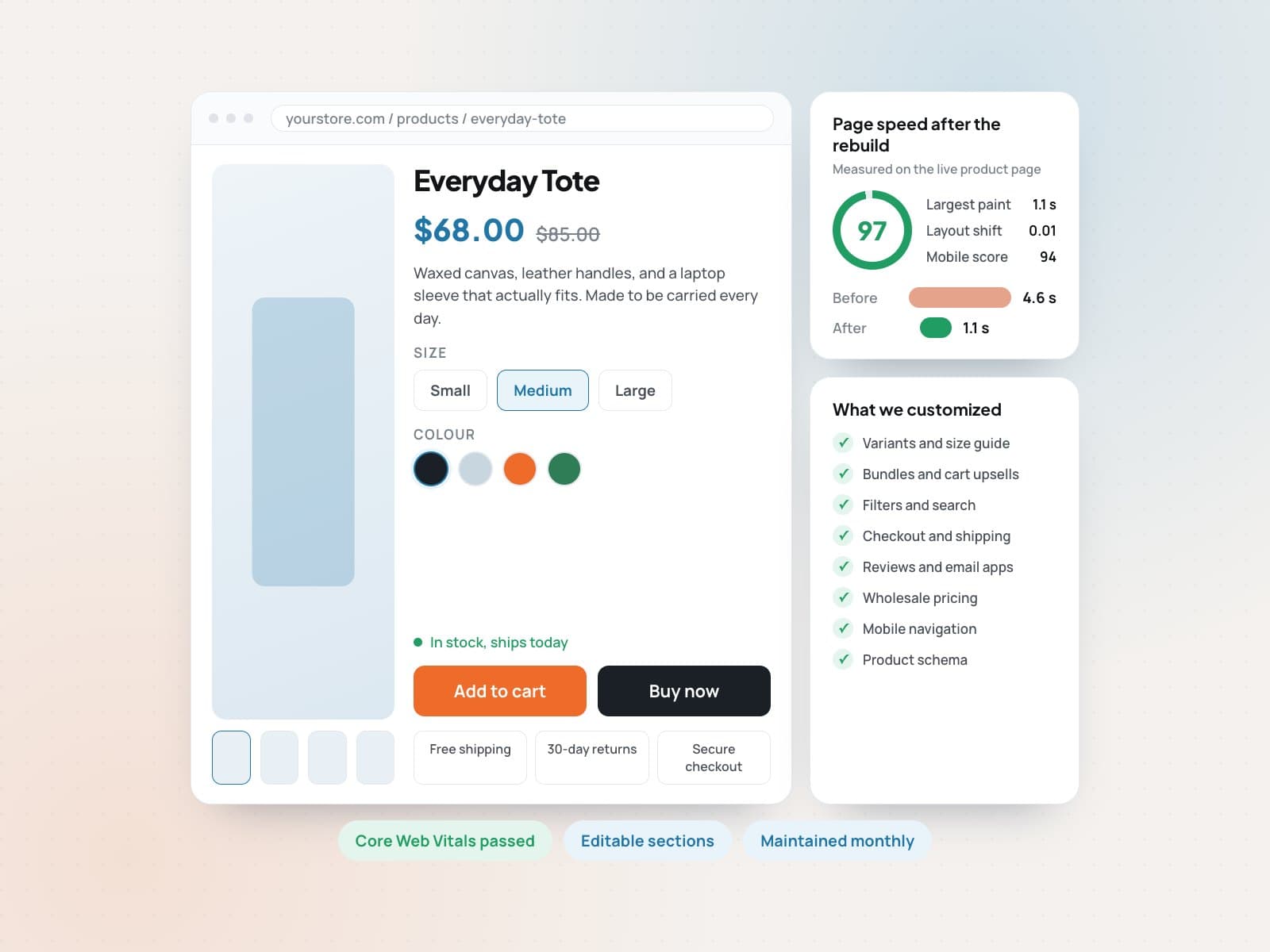
Variant pickers, bundles, size guides, upsells, trust badges, filters and search, plus checkout and cart changes that remove the steps costing you orders.

  • Variants and bundles
  • Filters and search
  • Cart and checkout
Works with
  • Shopify
06

Landing and campaign pages

Fast, focused pages for a launch, an ad campaign or a single product, built as reusable sections your team can duplicate for the next campaign.

  • Launch pages
  • Reusable sections
  • Built for ads
Works with
  • Shopify
  • Figma
03

Integrations & migration

Connect the tools you run on, and move data without losing it.

07

Apps and integrations

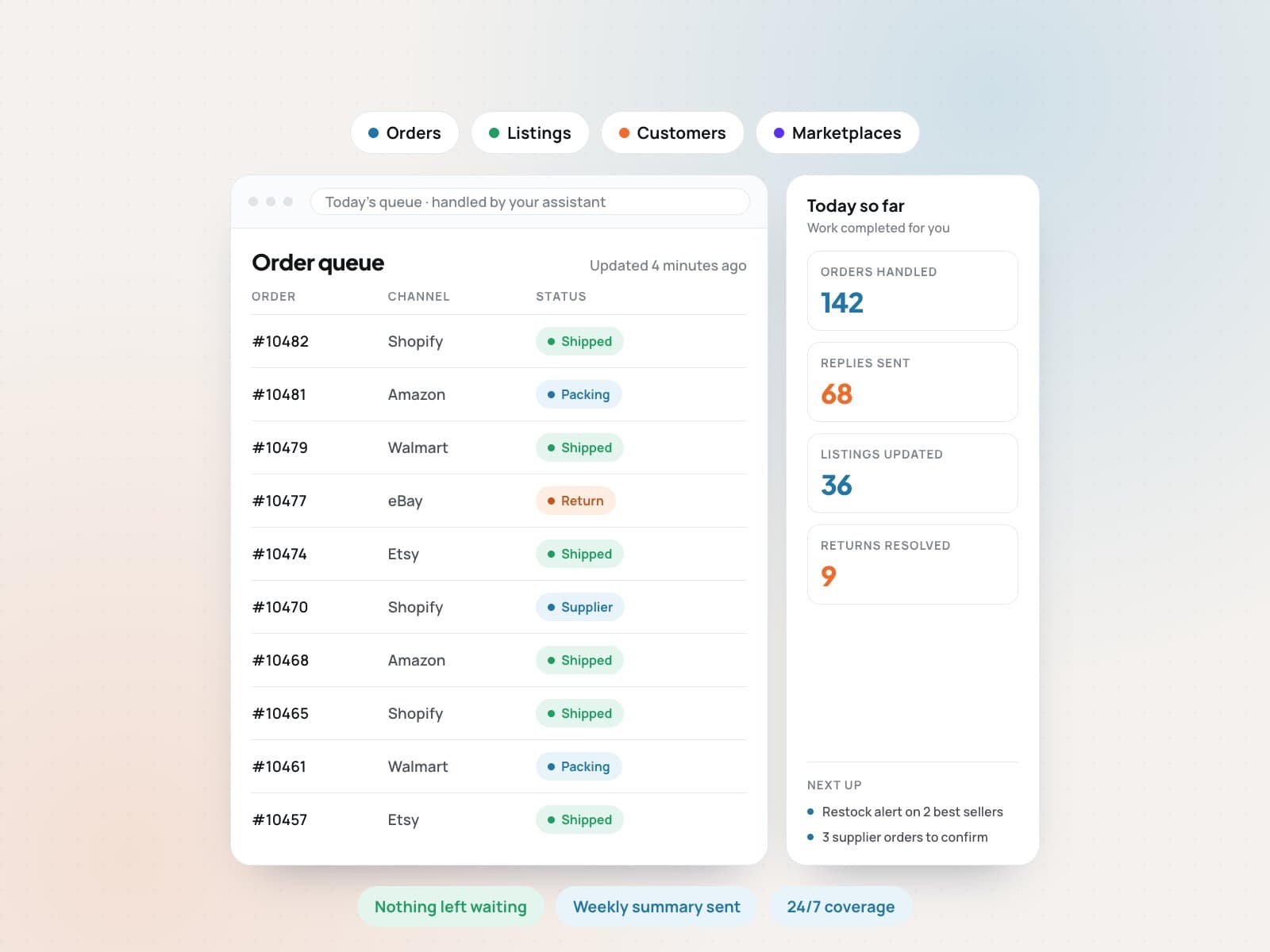
Connect the apps your store runs on: payments, shipping and tax, subscriptions, reviews, email, analytics, ERP and accounting, and the marketplace feeds behind your listings.

  • Payments and shipping
  • Reviews and email
  • Marketplace feeds
Works with
  • Shopify
  • Google Analytics
  • Google Sheets
08

Platform migration

Move a store between platforms with products, variants, images, customers, orders and URLs mapped across, and redirects in place so search rankings survive the switch.

  • Data mapping
  • 301 redirects
  • No lost rankings
Works with
  • Shopify
  • Google Sheets
09

Custom features and automation

Build the thing your platform does not do out of the box: quote forms, wholesale pricing, custom order flows, admin tools, and automations between the systems you already use.

  • Custom flows
  • Wholesale pricing
  • Automations
Works with
  • GitHub
  • Google Sheets
04

Speed & care

Keep the store fast, working, and looked after after launch.

10

Speed and Core Web Vitals

Find what is actually slowing the store down, then fix it: images, scripts, unused apps, fonts and layout shift, measured before and after on real pages.

  • Image and script fixes
  • App audit
  • Before and after
Works with
  • Lighthouse
  • Google Analytics
11

Website maintenance

Updates, backups, plugin and theme versions, uptime checks, broken link and form checks, and a monthly note of what changed and what needs attention.

  • Updates and backups
  • Uptime checks
  • Monthly report
Works with
  • Cloudflare
  • Lighthouse
12

Fixes and small changes

The steady queue of small jobs: a broken layout on mobile, a banner for a sale, a new section, a form that stopped sending. Sent in, done, and confirmed back to you.

  • Bug fixes
  • Small requests
  • Quick turnaround
Works with
  • Gmail
  • WhatsApp

How it works

From the first call to steady results.

  1. 1Step 1

    Review and plan

    We look at your catalogue, current store, platform and must-have features, then agree the build scope, the pages and the order things ship in.

  2. 2Step 2

    Design the storefront

    Layouts for the pages that matter most, home, collection, product and cart, so the look and the buying path are agreed before development starts.

  3. 3Step 3

    Build and connect

    The theme, custom sections, apps and integrations are built and tested on a staging store, with your data migrated and checked before anything goes live.

  4. 4Step 4

    Launch and look after

    We launch with redirects and tracking in place, watch the first days closely, and continue with maintenance, speed work and small changes as you need them.

Product page and checkout being customized next to a page speed score panel
Handoff includedNotes, files, and next steps

What you get

Clear deliverables. No guesswork.

  • A built and launched store on your chosen platform
  • Customized theme matched to your brand
  • Product page, cart and checkout improvements
  • Apps, payments, shipping and analytics connected
  • Migration with data mapped and redirects in place
  • Speed report with before and after numbers
  • Maintenance routine and a documented handover
How the handoff works

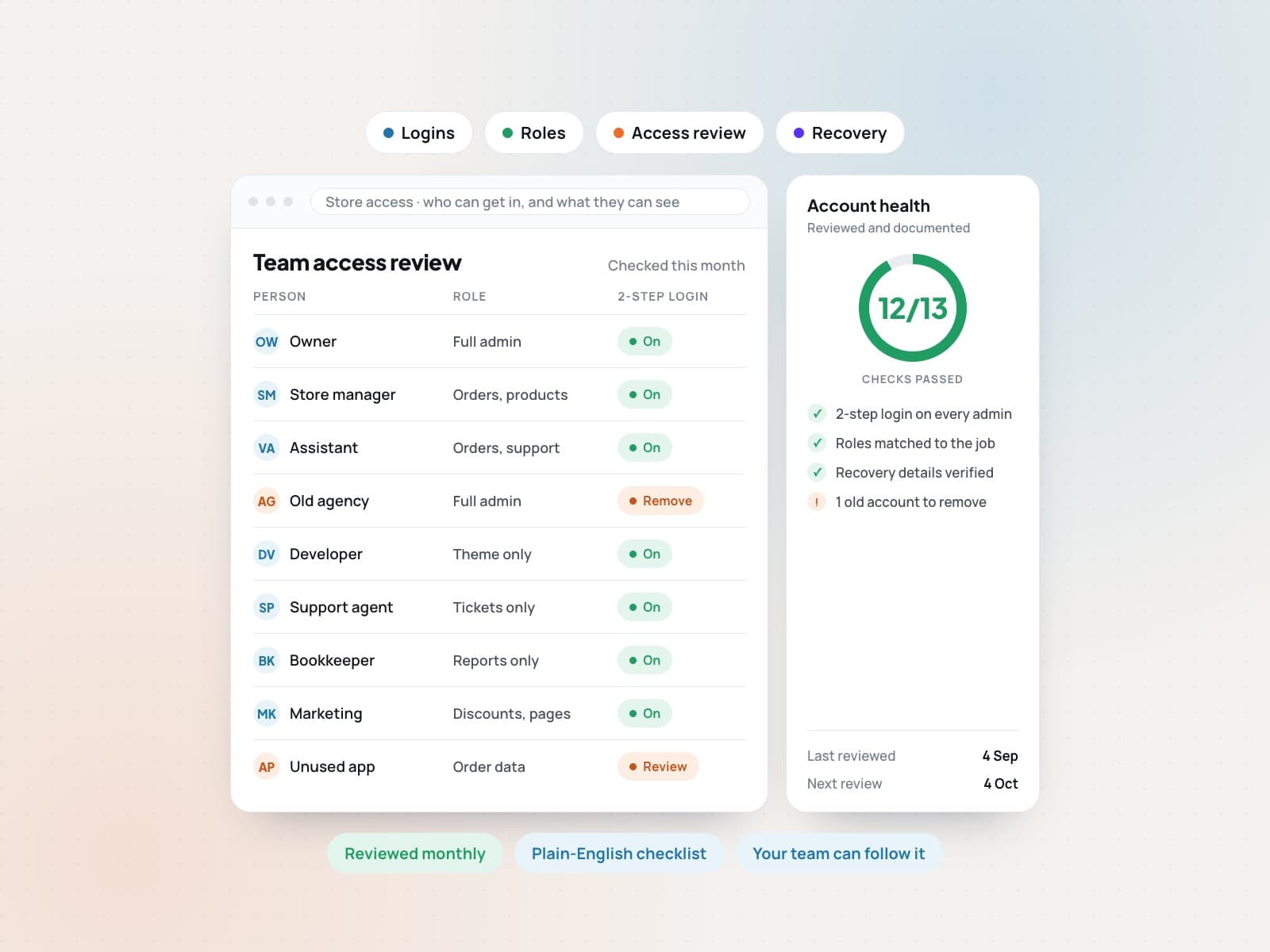
You own the store, the theme files, the accounts and the app subscriptions. The handoff includes a short walkthrough of how to edit the pages yourself, notes on every customization we made, and the staging setup, so another developer can pick it up at any point.

  • Shopify and Shopify Plus
  • WordPress and WooCommerce
  • Magento (Adobe Commerce)
  • BigCommerce
  • Wix and Squarespace
  • Liquid, HTML, CSS and JavaScript
  • Payments, shipping and tax apps
  • Platform migrations
  • Core Web Vitals
  • Maintenance and support

Ready to get started with Web build?

Tell us about your store and goals. We will reply with a clear plan and next steps.

FAQ

Questions about Web build.

Still have a question?Message us and we will get back to you.Chat on WhatsApp
Which platform should I build on?

Shopify suits most stores that want to sell without managing servers. WooCommerce fits when content and the blog matter as much as the products. Magento and BigCommerce suit large or complex catalogues. We recommend one on the first call based on your catalogue, team and budget, not on what we prefer to build.

Can you work on my existing store instead of rebuilding it?

Yes, and it is often the cheaper answer. We can customize the theme you have, fix the product page and checkout, improve speed and add the features you are missing, without starting again.

Will I lose my SEO if I migrate platforms?

Not if the migration is done properly. We map old URLs to new ones, set 301 redirects, carry over metadata and check indexing after launch. Rankings usually move for a short period and settle back.

Can I edit the site myself after launch?

Yes. Pages are built from editable sections so your team can change text, images, banners and collections without a developer. The handover includes a walkthrough of how.

Do you keep looking after the site after it launches?

Yes. Maintenance, updates, speed checks, bug fixes and small changes can continue monthly. Development sits in the Technology department, so it is covered by the Complete Ecommerce Team plan, or it can be quoted on its own.